
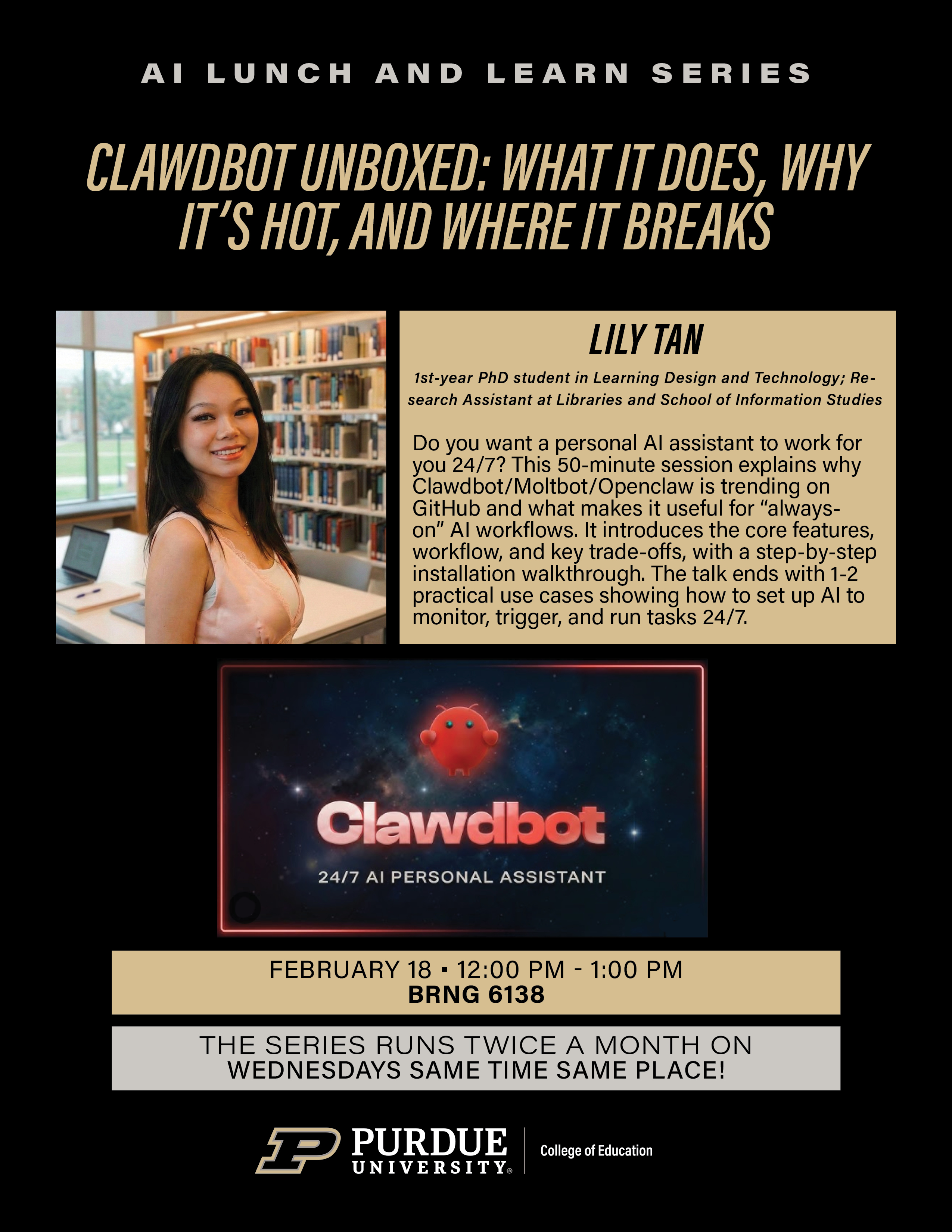
Clawdbot Unboxed: What It Does, Why It’s Hot, and Where It Breaks
AI Lunch and Learn Series, College of Education, Purdue University, 2026
Event Poster
Presentation Slides (21 slides)
1 / 21
The Signal in the Noise: Why OpenClaw Matters Now
A 50-minute invited presentation at the AI Lunch and Learn Series, College of Education, Purdue University (February 18, 2026, BRNG 6138). This talk went beyond the hype to examine what makes OpenClaw/Clawdbot a fundamentally different kind of AI tool.
Standard LLM vs. OpenClaw Agent
| Standard LLM (e.g., ChatGPT) | OpenClaw Agent | |
|---|---|---|
| Mode | Passive — waits for input | Active — operates 24/7 |
| Memory | Amnesic — session-based | Persistent — remembers your habits |
| Autonomy | Responds to prompts | Monitors, triggers, and runs tasks |
| Scope | Text conversation | Controls your screen and apps |
How It Works: The Agent Loop
┌─────────────┐     ┌──────────────────┐     ┌──────────────┐
│ INPUT LAYER │────▶│   THE AGENT LOOP │────▶│ OUTPUT LAYER │
│             │     │                  │     │              │
│ • Screen    │     │  Observe ──────┐ │     │ • Actions    │
│ • Commands  │     │       ▲        │ │     │ • Files      │
│ • Triggers  │     │       │        ▼ │     │ • Messages   │
│ • Schedule  │     │  Act ◀──── Plan  │     │ • Reports    │
│             │     │                  │     │              │
└─────────────┘     └──────────────────┘     └──────────────┘
Presentation Flow (21 Slides)
| Section | Slides | Content |
|---|---|---|
| Opening | 1–2 | “The Signal in the Noise” — why OpenClaw is different from chatbots |
| The Hype | 3–5 | GitHub star history, founder story, viral adoption |
| Architecture | 6–8 | LLM vs. Agent comparison, the Agent Loop diagram |
| Hands-On | 9–13 | Step-by-step installation walkthrough: download, config, ignition |
| Live Demos | 14–18 | Practical use cases: 24/7 monitoring, automated workflows |
| Reflection | 19–21 | Limitations, ethical concerns, Q&A |
Workshop: Zero to Agent
“We are moving beyond chatting. Build an agent that remembers your habits, works 24/7, and operates your screen.”
The talk included a hands-on workshop segment where attendees:
- Installed OpenClaw on their own machines
- Configured API keys and system prompts
- Built a basic agent that runs autonomously
Resources
| Slides | Download Presentation (PPTX) — 21 slides, 12 MB |
| Recording | Watch on Zoom — Passcode: 64drqp6% |